
AI Solutions
Practical AI for
Microsoft 365 Teams
ALPHA IT helps Vancouver Island organizations use Microsoft Copilot, AI agents and automation to solve practical business problems.
We look at how the work happens today, where AI can genuinely help, and whether your Microsoft 365 environment is ready to support it.
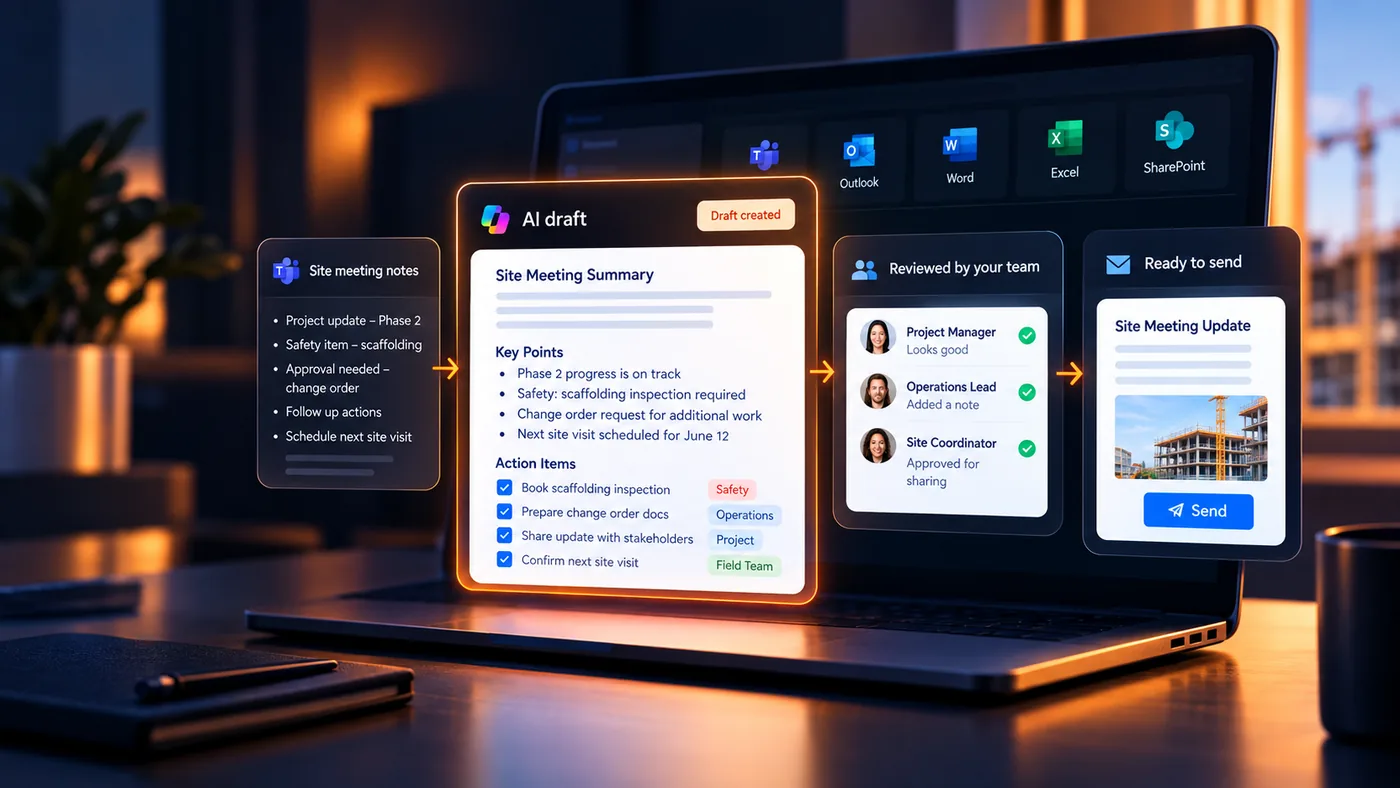
The challenge
Having the tools is not the same as getting value from them
Many organizations already use Microsoft 365, have started experimenting with Copilot, or know AI needs to be part of the conversation. But access to the technology is only the starting point.
The harder questions are more practical. Where can AI actually save time? What information should it access? Where does human review still matter? Which processes are worth changing at all?
Before choosing a tool, ALPHA IT helps you understand the business problem, the information involved, and whether AI or automation is actually the right fit.
Why ALPHA IT
AI that fits the way your business actually works
ALPHA IT connects the business problem, your Microsoft 365 environment, the guardrails AI needs, and the people accountable for the outcome.
The business problem
What are we trying to improve?
Governance & security
What safeguards are required?
Practical AI that fits your business
Copilot, agents, automation - matched to the real need.
Microsoft 365 environment
What systems, information and permissions are involved?
Human accountability
Where do people review, decide and approve?
ALPHA IT brings these pieces together before recommending Copilot, an AI agent, automation, or another approach.
How we help
Put AI to work in Microsoft 365
Whether you’re preparing for Copilot, building an agent, or removing manual steps, ALPHA IT helps you apply the right Microsoft tool to the right problem.
Explore how we help
Select an area to see what ALPHA IT can help with.
Get Ready
Make sure your environment is ready
We assess your Microsoft 365 environment, address permissions and governance, and identify a practical first use case so you can move forward with confidence. We’ll review your:
- Access & permissions
- Security & governance
- Use-case readiness
Put AI to Work
Microsoft Copilot & Copilot Studio Agents
We help your team put Microsoft 365 Copilot to practical use, build confidence through role-based training, and create Copilot Studio agents around specific tasks and processes.
We can help with:
- Copilot adoption
- Role-based training
- Copilot Studio agents
Automate the Routine
AI Workflow Automation with Power Automate
We use Power Automate, Copilot and Microsoft 365 to streamline repetitive workflows and reduce manual steps between people and systems.
We can help automate:
- Approvals & routing
- Task creation & handoffs
- Reporting & recurring workflows
AI in practice
See what practical AI can look like
AI becomes easier to understand when you can see it applied to everyday work. Here are a few examples of how AI and automation could support common workflows across different industries and teams.
AI Adoption in BC Municipalities
FOIPPA, data sovereignty and Microsoft 365 Copilot
See how this could work for your team
Bring us a workflow like the ones above and we’ll look at where AI or automation could realistically help.
Frequently asked questions
Common questions about AI, Microsoft Copilot and automation
What happens on an AI Readiness Call?
Bring us a business process, pain point or Copilot question. We’ll look at how the work happens today, what you already use in Microsoft 365, and whether there is a practical AI or automation opportunity worth exploring.
Do we need Microsoft 365 Copilot licences before we talk to ALPHA IT?
No. In many cases, it makes more sense to understand the use case and your Microsoft environment before buying additional licences. ALPHA IT can help you determine whether Copilot, Copilot Studio, Power Automate or a simpler approach is the better fit.
Why not just turn on Microsoft Copilot ourselves?
You can. Buying or assigning a Copilot licence is the easy part. The more important questions are what information Copilot can access, whether permissions are set appropriately, where it can genuinely help employees, and what guidance people need to use it well.
Can ALPHA IT help with Microsoft Copilot training?
Yes. ALPHA IT provides practical, role-based Copilot training focused on how your team actually works and where Copilot can be useful day to day.
What kinds of business processes can AI and Power Automate help with?
Good candidates are usually repetitive processes involving information moving between people, documents and systems: organizing requests, preparing first drafts, routing approvals, creating tasks, and reducing manual handoffs. Not every process needs AI - sometimes straightforward Power Automate automation is the better answer.
How do you approach AI security, permissions and governance?
AI should only have access to information the people using it are entitled to access. ALPHA IT considers Microsoft 365 permissions, identity, security and privacy as part of AI readiness, sets clear acceptable-use guidelines, and looks at where human oversight is still required.
Do we need a large budget to get started with AI?
No. A useful AI initiative doesn’t have to start as a large transformation project. A better starting point is often one specific business problem or repetitive workflow - understand the opportunity, test whether it’s useful, and expand from there if it is.
The right home for the work
Microsoft 365 AI & automation
ALPHA IT
You’re hereStart with one problem worth solving
If you’re trying to understand where AI, Copilot or automation could help your team, start with a conversation.